
Flowcode
Getting Started
This guide takes you from installing Flowcode to publishing your first script.
Step 1: Install Flowcode
- Open your project in the Webflow Designer.
- Open the Apps panel and launch Flowcode (install it from the Webflow Marketplace first if you haven't already).
- The Flowcode editor opens as a panel inside the Designer, titled Flowcode editor, Ai agent, CDN.
🔐 The first time you open Flowcode, authorize it for your site so it can host and inject your scripts.
Step 2: Activate your license
Flowcode needs an active license to unlock the editor, AI agent, and publishing.
- Go to the License tab.
- Paste your license key and activate it on this site.
- Your plan and monthly AI credits appear once activation succeeds.
Full details are in License & AI Credits.
Step 3: Write your first script
Open the Code Editor tab. Every project starts with an entry file (index.ts) in the home folder.
Type some code, or press Tab to accept an AI autocomplete suggestion:
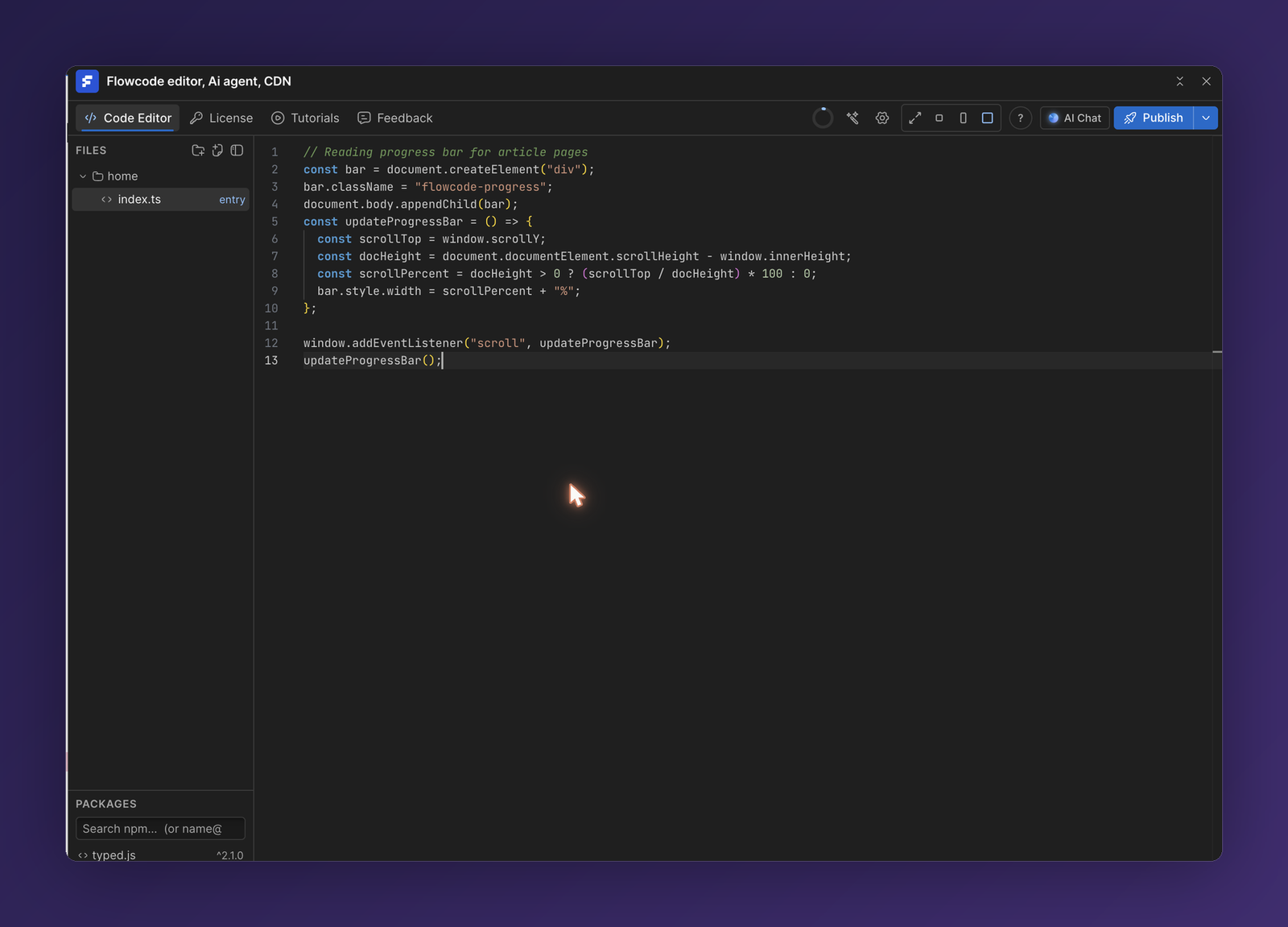
// Reading progress bar for article pages
const bar = document.createElement("div");
bar.className = "flowcode-progress";
document.body.appendChild(bar);

const updateProgressBar = () => {
  const scrollTop = window.scrollY;
  const docHeight = document.documentElement.scrollHeight - window.innerHeight;
  bar.style.width = (docHeight > 0 ? (scrollTop / docHeight) * 100 : 0) + "%";
};

window.addEventListener("scroll", updateProgressBar);
updateProgressBar();
Your work autosaves as you type.
Step 4: Publish to your site
- Click Publish in the top toolbar.
- Choose where the script runs: the placement (e.g. before
</body>) and the pages it should load on. - Confirm to build and inject. Flowcode compiles your code, hosts it on the CDN, and adds it to your Webflow site.
Your script goes live on your next Webflow publish. See Publishing & the CDN for every option.
✅ That's it—you've shipped custom code to your Webflow site without leaving the Designer.
Next steps
- Explore The Code Editor and npm Packages & Imports.
- Let The AI Agent write and edit code for you.