
Flowcode
The Code Editor
The Code Editor is a full multi-file editor built on Monaco (the engine behind VS Code), with TypeScript IntelliSense, diagnostics, and AI-powered autocomplete.
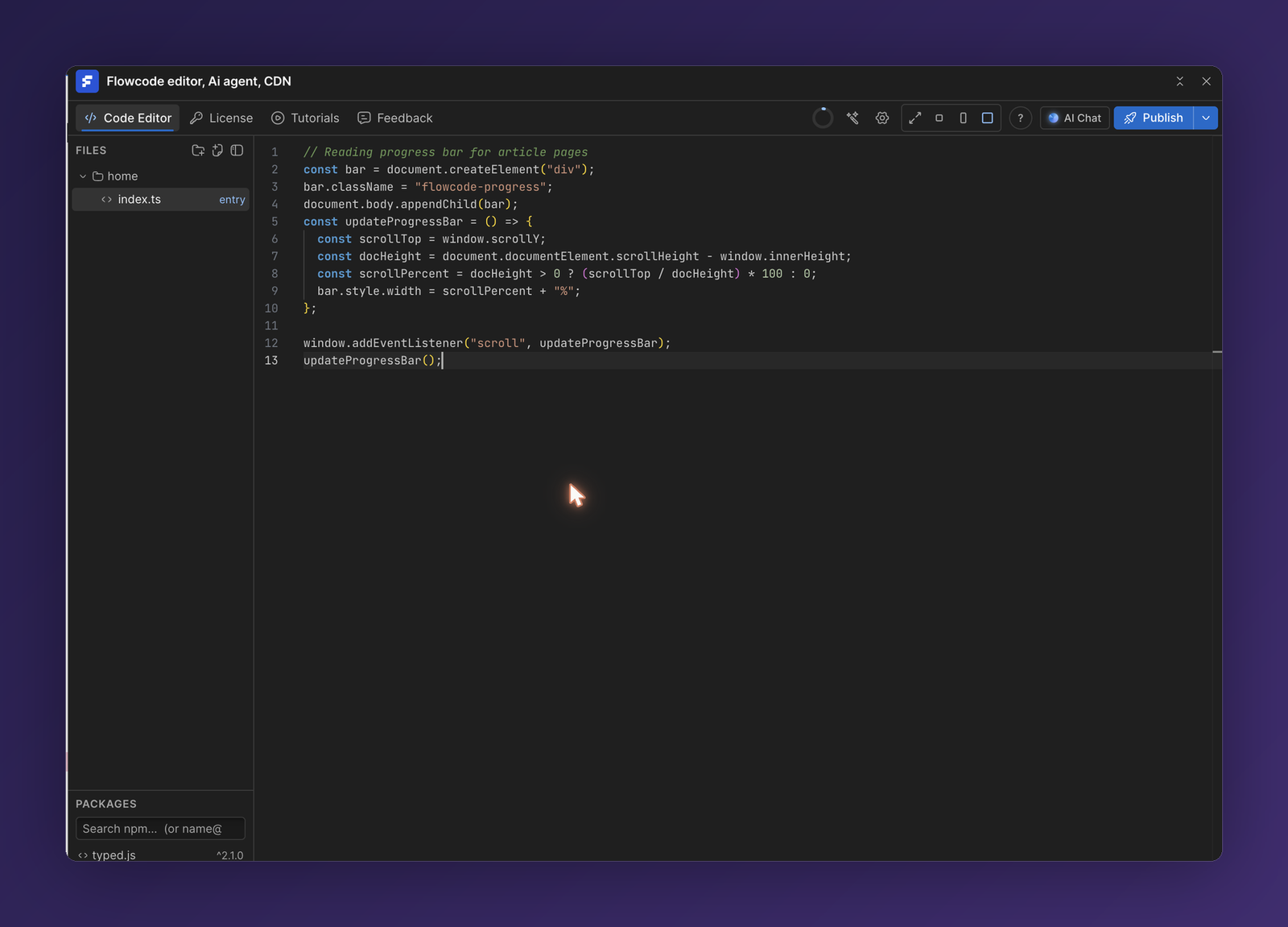
Files and folders
The Files panel on the left holds your project's source files. Use the icons at the top of the panel to add files and folders.
- Files can be
.ts,.js,.css, or.json. - One file is marked
entry—this is what Flowcode compiles when you publish. Its imports are bundled in automatically, so you never inject them separately. - Files can import each other with relative imports:
// home/index.ts
import { initNav } from "./nav";
import { trackClicks } from "./analytics";

initNav();
trackClicks();
TypeScript support
You get full editor tooling out of the box:
- IntelliSense — autocompletion for the DOM, your own code, and imported packages.
- Diagnostics — type errors and warnings are underlined as you type.
- Autosave — changes are saved to your project automatically.
AI autocomplete
As you type, Flowcode suggests the next lines of code as greyed-out ghost text. Press Tab to accept the suggestion, or keep typing to ignore it.
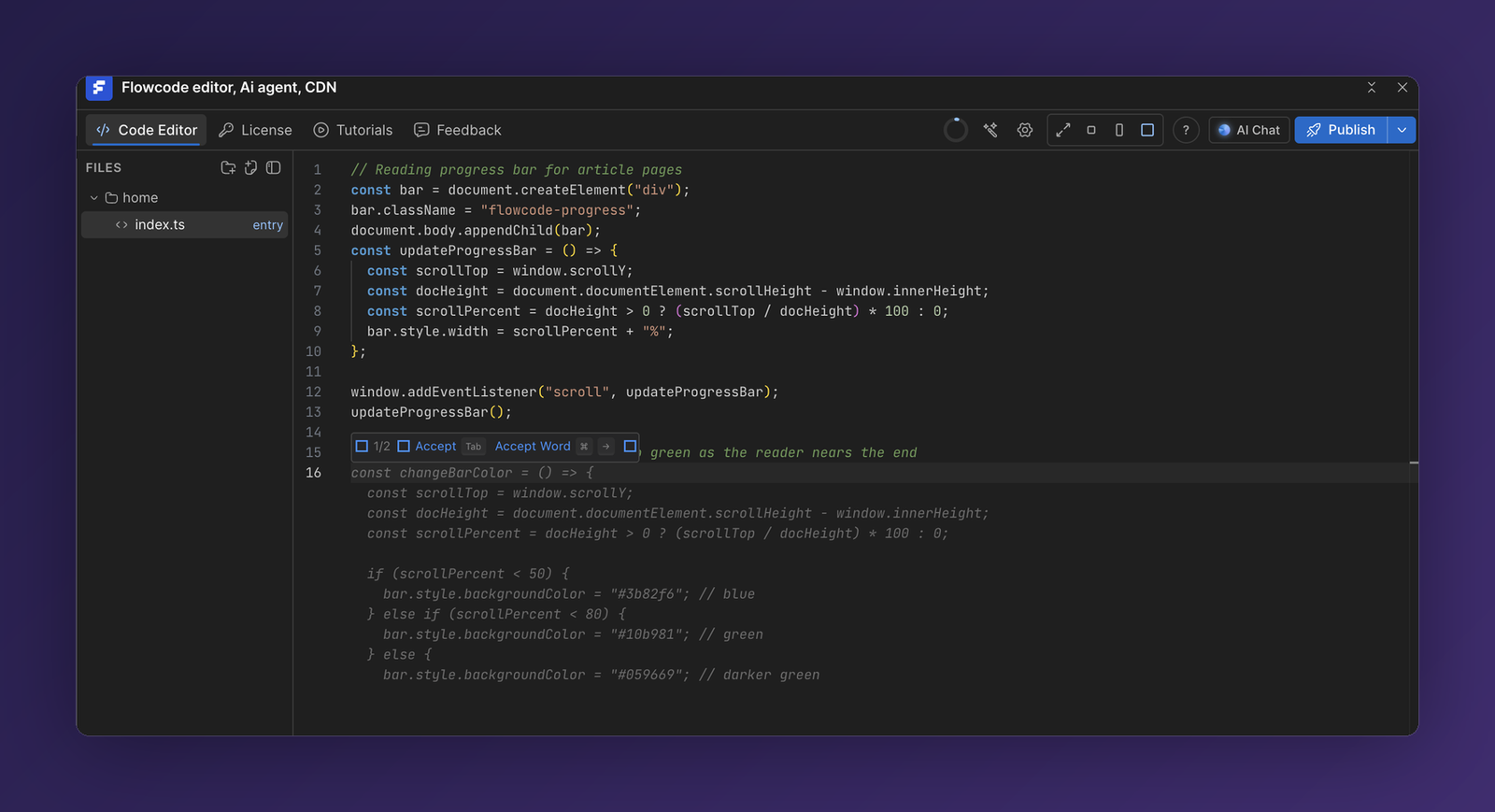
Autocomplete is powered by AI and uses your AI credits. You can point it at your own provider key (Anthropic, OpenAI, Zhipu, or Moonshot) in the License tab.
💡 Prefer to describe what you want instead of writing it? Open The AI Agent and let it write and edit the code for you.
Building
When your code is ready, click Publish to compile it. Flowcode bundles your entry file, its local imports, and any npm packages into a single minified script. Build errors are surfaced back in the editor so you can fix them quickly. See Publishing & the CDN.