
Flowcode
Welcome to Flowcode
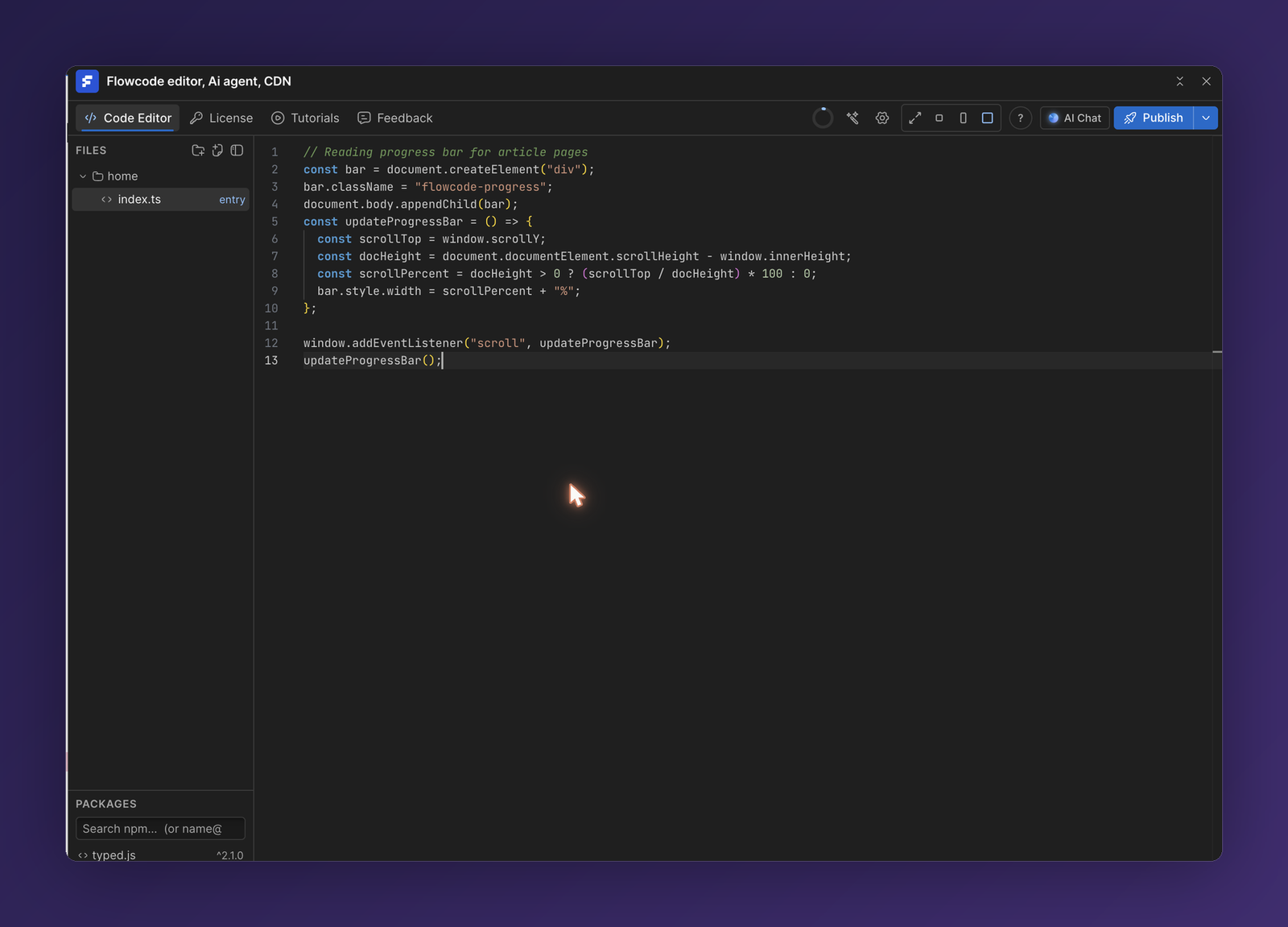
Flowcode is an in-browser code editor and AI agent that lives right inside the Webflow Designer. Write custom TypeScript or JavaScript in a multi-file editor, import any npm package, and let an AI agent read and edit your site for you. Your code is compiled and hosted on a global CDN, then automatically injected into your published Webflow site—no manual <script> tags, no external hosting, no build tooling to set up.
What you can do
- Write real code, not snippets. A StackBlitz-style multi-file editor with full TypeScript IntelliSense, diagnostics, and AI autocomplete.
- Import any npm package. Add libraries by name and import your own files into one another—Flowcode bundles everything for you.
- Let the AI agent build it. Describe what you want in plain English. The agent can read your site's structure, edit the design (classes, attributes, elements), and write the code.
- Publish to a CDN. Every build is minified, versioned, and hosted on Cloudflare's CDN, then injected into the pages you choose.
How it works
- Write your TypeScript/JS in the editor, or ask the AI agent to write it for you.
- Build — Flowcode compiles your entry file and its imports (including npm packages) into a single optimized bundle.
- Host — the bundle is uploaded to a global CDN with a versioned, integrity-checked URL.
- Inject — Flowcode adds the script to your Webflow site on the pages and location you select. It goes live on your next Webflow publish.
Key concepts
| Term | What it means |
|---|---|
| Project | A set of source files that compile into one published script. |
| Entry file | The file that Flowcode compiles (marked entry in the file tree). Its imports are bundled in automatically. |
| Build | A compiled, minified, versioned bundle of your project. |
| AI credits | The currency for AI agent and autocomplete usage, included with your plan. See License & AI Credits. |
💡 New to Flowcode? Start with Getting Started to install the app and publish your first script in a few minutes.