
Product
Multistep Form
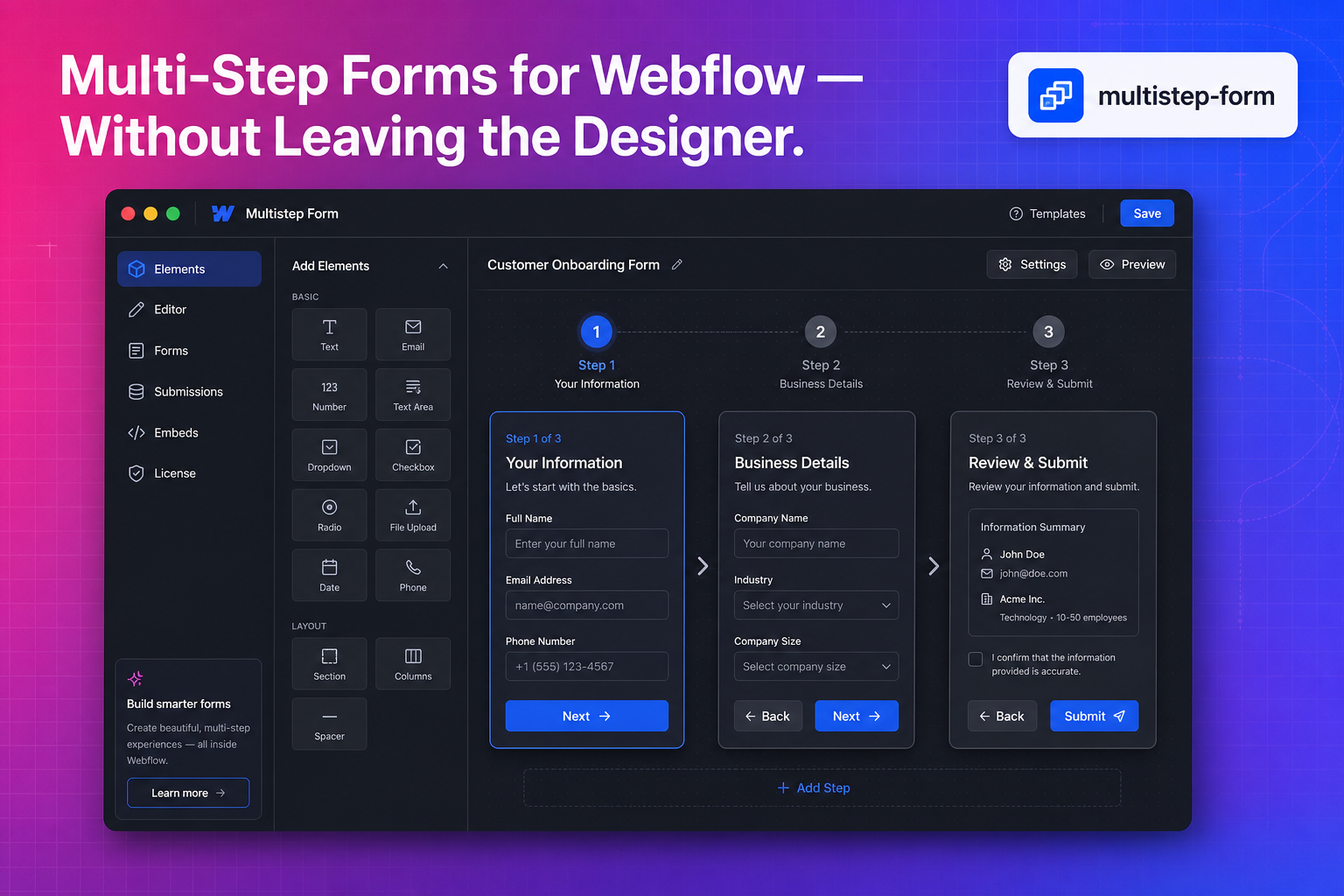
Multistep Form turns a native Webflow form into a guided, multi-step flow with conditional branching, per-step validation, variables, and progress—set up in the Designer and run on your published site by one version-pinned script the app installs for you.
Features
- Branching step logic
- Per-step validation
- Form variables
- Progress indicators
- Version-pinned site script
- Designer-native setup
Pricing
Monthly
$5 billed every month
- One Webflow site per license
- Steps, If / Else branching and validation
- Variables, formulas and actions
- Submissions with CSV export and webhooks
Yearly
$50 billed every year
- Everything in Monthly
- Two months free vs monthly billing
- License key activation
- Priority email support
FAQ
Frequently Asked Questions
Who am I buying from?
Faizatech builds and supports the apps. Checkout, invoicing, and sales tax are handled by Paddle, our merchant of record, which is the seller of record for your order: it takes the payment, issues your invoice, and collects any VAT, GST, or sales tax that applies where you are. The merchant handling your order is shown at checkout and named on your receipt, and our Terms & Conditions list which merchant applies to which app.
Some apps say "coming soon" — can I buy them yet?
Not yet. Pricing is published so you can plan, but checkout for those apps opens when they launch. Join the newsletter or email contact@faizatech.com and we will tell you when that happens.
What payment methods can I use?
Depending on your location, you can typically pay with major credit and debit cards (Visa, Mastercard, American Express), Apple Pay, Google Pay, PayPal, and other local methods supported at checkout.
What happens if my subscription runs out?
Our applications use a subscription verification system. If your subscription expires, the application is disabled in the Webflow Designer until you renew.
How do I activate my license?
After checkout you receive a license key by email. Open the app inside the Webflow Designer, go to the License section, paste your key, and click Activate license. MemberFlow is a per-site subscription managed from your Faizatech account, with no license key to enter.
How do I cancel or change my plan?
Manage or cancel your subscription from the billing portal linked in your purchase receipt, or from the billing section of your Faizatech account. Cancelling stops future renewals; access continues until the end of the period you already paid for.
How can I contact support?
Use the contact form on this website or email contact@faizatech.com. We aim to respond within 24 hours on business days.
Is it refundable?
Yes. We offer a 14-day refund policy for app subscriptions that do not include a trial, in line with our Refund Policy. Products sold with a trial period are non-refundable after the trial ends. Contact support to request a refund.
Can I use my license on multiple Webflow sites?
Subscriptions are per Webflow site. Each site you want the app running on needs its own subscription, and you can add as many sites as you like under one account. Check the product pricing page and the checkout details for your app before purchasing, and contact support if you need help.
Need help with your Webflow apps?
Questions about licensing, installation, or billing? Our team is here to help you get the most from Faizatech products.
Contact support